
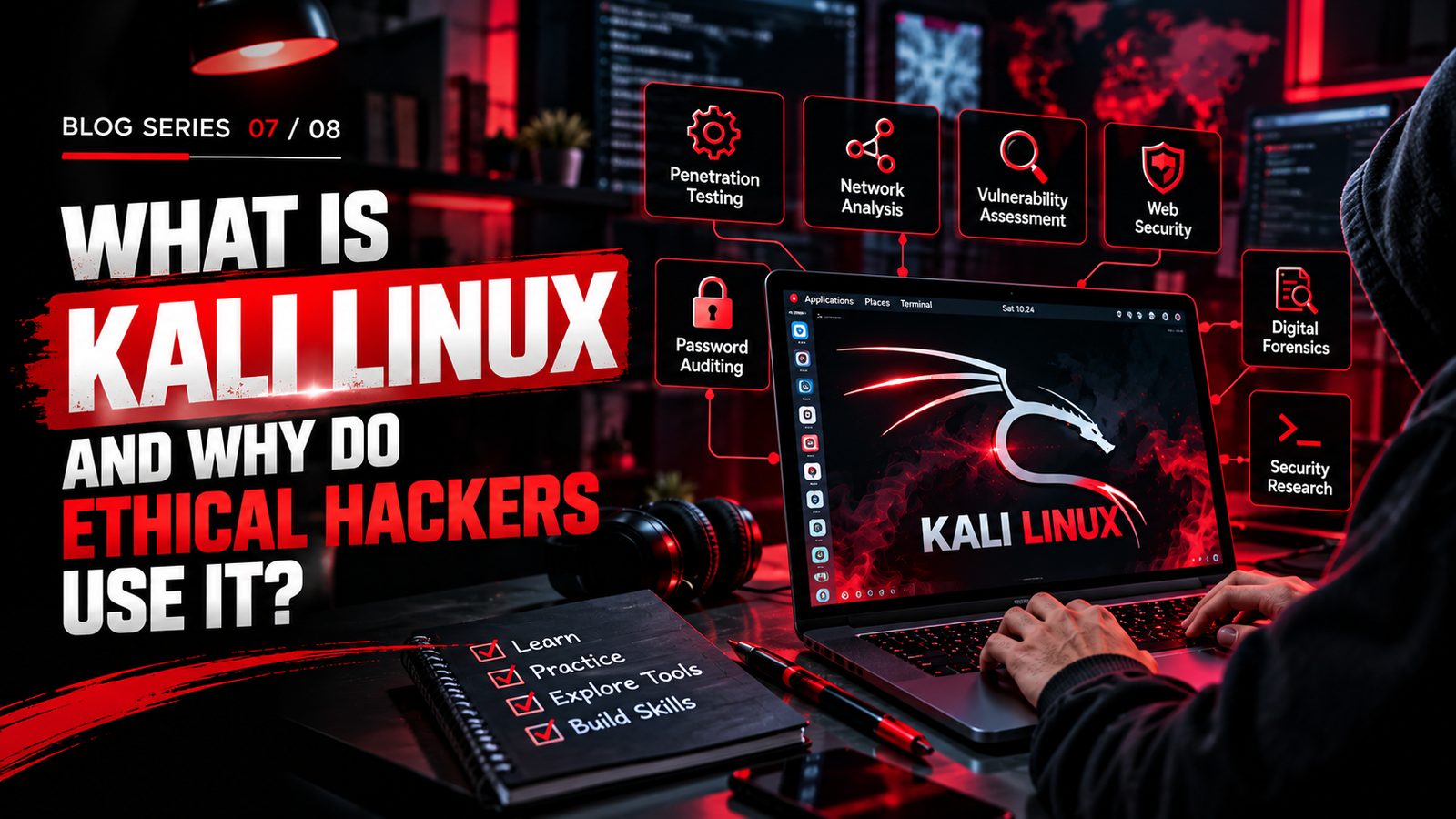
What Is Kali Linux and Why Do Ethical Hackers Use It?
Discover how Kali Linux helps cybersecurity learners and ethical hackers
test security, explore penetration testing tools, and build practical
skills in authorized lab environments.
01. What Is Kali Linux?
Kali Linux is a Linux-based operating system designed
for cybersecurity professionals, penetration testers, security researchers,
and learners who want to understand how computer systems can be tested
and secured.
Unlike general-purpose operating systems that focus on everyday tasks,
Kali Linux comes with a collection of security tools used for activities
such as penetration testing, security auditing, digital forensics,
vulnerability assessment, and security research.
Kali Linux is based on Debian Linux and is maintained by Offensive Security.
It can run on compatible computers, virtual machines, and supported
mobile or specialized devices. Its tools help users examine systems,
networks, applications, and configurations in controlled environments.
In simple words: Kali Linux is an operating system built for security testing and research. It brings many cybersecurity tools together in one environment, making it useful for learning and authorized security assessments.
Is Kali Linux only for hackers?
No. Kali Linux is used by penetration testers, security researchers,
digital forensics practitioners, cybersecurity students, and other
professionals working on authorized security tasks. It is a specialized
toolset, not a requirement for every cybersecurity job.
02. Why Do Ethical Hackers Use Kali Linux?
Ethical hackers are authorized to assess systems and identify weaknesses
so that organizations can improve their security. Kali Linux helps them
perform different stages of a security assessment using a wide range
of tools in one environment.
1. A Wide Collection of Security Tools
Kali Linux includes tools for network discovery, vulnerability analysis,
web application testing, password auditing, wireless security testing,
digital forensics, and other security activities. Users can select
tools based on the scope and purpose of an authorized assessment.
2. Useful for Penetration Testing
Penetration testing involves evaluating security controls through
authorized testing. Kali Linux provides tools that can help professionals
examine exposed services, identify weaknesses, validate security
findings, and document issues for remediation.
3. Supports Practical Cybersecurity Learning
Students can use Kali Linux in virtual labs to explore networking,
operating systems, web security, and security testing methodology.
Practicing in isolated environments helps learners understand how
tools work without affecting real systems.
4. Flexible and Customizable
Kali Linux allows users to work with the Linux command line, install
compatible packages, customize their environment, and configure
tools for different security tasks. This flexibility can be useful
for specialized workflows.
5. Useful for Security Research and Auditing
Security professionals can use Kali Linux to investigate vulnerabilities,
review system configurations, examine network behavior, and conduct
controlled security assessments. The appropriate tools depend on
the target environment and the assessment’s scope.
Important: Kali Linux does not automatically make someone an ethical hacker. Understanding security concepts, using tools correctly, obtaining authorization, and reporting findings responsibly are essential.
03. Popular Kali Linux Tools and What They Do
Kali Linux includes many tools designed for different security tasks.
The following examples introduce some commonly used tools and their
general purpose in authorized security testing and learning.
Nmap
A network discovery and security auditing tool used to identify
hosts, examine exposed services, and understand the structure of
an authorized network.
Wireshark
A network protocol analyzer that helps users inspect packet captures,
understand network communication, and investigate connectivity
or security issues.
Burp Suite
A web application security testing platform used to examine HTTP
traffic and assess web application security in authorized testing
environments.
Metasploit Framework
A security testing framework used by professionals to validate
certain vulnerabilities in controlled and authorized environments.
It also supports security research and testing workflows.
John the Ripper
A password auditing tool used to evaluate password strength and
test password hashes under authorized conditions.
Aircrack-ng
A wireless security assessment suite used to evaluate Wi-Fi security
and analyze wireless networks in authorized lab or assessment settings.
Tool selection matters: Not every tool is needed for every task. Ethical hackers choose tools based on the assessment scope, system type, security objective, and permission granted by the system owner.
04. Key Features of Kali Linux
Kali Linux offers features that support security testing, research,
and hands-on learning. Understanding these features can help beginners
decide how to use it as part of their cybersecurity journey.
Specialized Security Environment
Kali Linux is designed around security testing and includes a broad
collection of tools for different assessment tasks. Users can choose
the tools that fit their learning goals and professional requirements.
Live Boot and Installation Options
Kali Linux offers different ways to run the system, including supported
live boot and installation options. A live environment can let users
explore the operating system without making a permanent installation,
depending on the setup.
Virtual Machine Compatibility
Beginners can run Kali Linux in a virtual machine using compatible
virtualization software. This creates a separate learning environment
and can make it easier to experiment, take snapshots, and reset
a lab when needed.
Linux Command-Line Experience
Kali Linux provides access to Linux command-line tools and system
utilities. Learning these skills can help users manage files,
understand permissions, configure software, and work more comfortably
in technical environments.
Customizable Toolset
Users can configure their environment and install compatible tools
as needed. This allows learners and professionals to build a setup
suited to their specific security tasks.
05. How Beginners Can Start Learning Kali Linux
If you are new to ethical hacking, start with the fundamentals instead
of jumping straight into advanced tools. A structured learning path
helps you understand what a tool does, why it is used, and how to
interpret its results responsibly.
-
Learn Linux Basics
Understand the file system, directories, permissions, users, processes,
package management, and basic terminal commands. -
Understand Networking Fundamentals
Learn IP addresses, ports, DNS, TCP/IP, routing, common protocols,
and how devices communicate across networks. -
Set Up a Safe Learning Environment
Use a compatible virtual machine or a dedicated lab system. Keep
practice environments isolated and use intentionally vulnerable
applications designed for learning. -
Explore the Kali Linux Interface and Tools
Become familiar with the desktop, terminal, documentation, and
available security tools. Start with basic, controlled exercises
and understand each tool’s purpose. -
Practice in Authorized Labs
Work through beginner-friendly security exercises using systems
you own or have explicit permission to test. Record your observations
and learn how to interpret results. -
Document Projects and Build Your Skills
Create project notes and reports that explain the objective, process,
findings, and lessons learned. Gradually explore areas such as web
security, network security, and vulnerability assessment.
Beginner advice: Kali Linux is a specialized security distribution, so it may not be the easiest first operating system for everyday computing. Learn Linux and networking fundamentals alongside it, and use a dedicated lab for security practice.
06. Frequently Asked Questions
1. What is Kali Linux used for?
Kali Linux is used for authorized penetration testing, security
auditing, vulnerability assessment, digital forensics, security
research, and cybersecurity education. It includes tools that
support different security testing activities.
2. Why do ethical hackers use Kali Linux?
Ethical hackers use Kali Linux because it provides a specialized
environment with tools for examining networks, testing applications,
assessing vulnerabilities, and conducting security research.
The tools are used within an authorized scope.
3. Is Kali Linux suitable for beginners?
Beginners can learn Kali Linux, especially when they have basic
knowledge of Linux, networking, and security fundamentals. Starting
with guided labs and a virtual machine can make the learning
process more manageable.
4. Is Kali Linux free to use?
Kali Linux is available as a free, open-source Linux distribution.
Some third-party tools, services, or learning platforms used alongside
it may have separate licensing or subscription terms.
5. Can Kali Linux be used on Windows?
Kali Linux can be used alongside Windows through supported options
such as a virtual machine or Windows Subsystem for Linux, depending
on the features required. A full virtual machine may be more suitable
for learning the complete desktop environment and certain lab tasks.
6. Does learning Kali Linux make someone an ethical hacker?
No. Kali Linux is a toolset, not a complete ethical hacking
qualification. Ethical hackers also need networking knowledge,
security fundamentals, practical experience, professional judgment,
and permission to test the systems involved.
7. Is Kali Linux used for illegal hacking?
Kali Linux itself is a legitimate security testing distribution.
Its tools can be used for authorized security work or misused.
Testing systems without permission may violate laws and policies.
Always work within an explicitly authorized scope.
Learn Linux. Practice Security. Build Your Future.
Build your cybersecurity foundation through structured learning,
hands-on practice, and responsible security testing.
Explore cybersecurity learning opportunities with M Cyber Academy.